Aspect ratio
Keeps its content to a ratio of width to height, so pictures, video and maps do not jump while they load.
Install
# once per project: where @zeroui items come frompnpm dlx shadcn@latest registry add @zeroui=https://zeroui.catforest.dev/r/{name}.jsonpnpm dlx shadcn@latest add @zeroui/aspect-ratioExamples
A 16 : 9 map
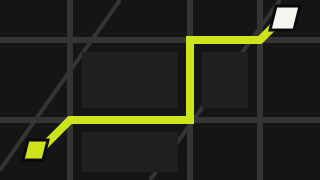
import { AspectRatio } from "@/components/zero/aspect-ratio";export default function AspectRatioMap() { return ( <div className="w-full max-w-md"> <AspectRatio ratio={16 / 9} className="border-(length:--zero-stroke) border-zero-ink" > {/* biome-ignore lint/performance/noImgElement: a small SVG sample, and the demo is copied into projects without next/image */} <img src="/samples/route-map.svg" alt="The route from the rail yards to the north gate" /> </AspectRatio> </div> );}Behaviour
The content fills it; a picture inside is cropped to cover it.
Props
AspectRatio
| Prop | Type | Default | Description |
|---|---|---|---|
| ratio | number | 16 / 9 | Width divided by height. |